The role of CAM software in the CNC machining process
From STEP to G-code: what the CAM programmer decides, which strategies they use, how the cut is simulated and what you can do so your part is programmed fast.

CAM software (computer-aided manufacturing) turns your 3D model into the program that drives the machine: it selects the tools, calculates the toolpaths, simulates the cut, and generates the G-code. Without it, a CNC milling machine is a motor waiting for orders. On a one-off part, programming can take as long as the cutting itself; that is why a clean design is programmed faster, quoted faster, and costs less.
This guide explains what CAM does step by step, what strategies it uses, how it influences the price and quality of CNC machining of custom parts, and what the programmer needs from you to work fast.
CAD draws the part. CAM decides how to cut it. CNC cuts it. The STEP file travels from the first to the second; the G code travels from the second to the third.
What is CAM software and how does it differ from CAD?
CAD (computer-aided design) is where you model the part: SolidWorks, Fusion 360, Inventor, Onshape. The result is the nominal geometry, normally exported in STEP. CAM starts from that geometry and adds everything the machine needs to know that CAD does not: which block to start from, how to clamp it, which tool cuts each zone, at what speed, in what order, and from which direction. Its output is the G code, a list of movements and commands that the machine's numerical control executes line by line. Many programs integrate both parts (Fusion 360, SolidWorks CAM, Mastercam with CAD), but the logic is the same.
What CAM does step by step
- Import and orient the part. You decide which face goes up and where the program zero is.
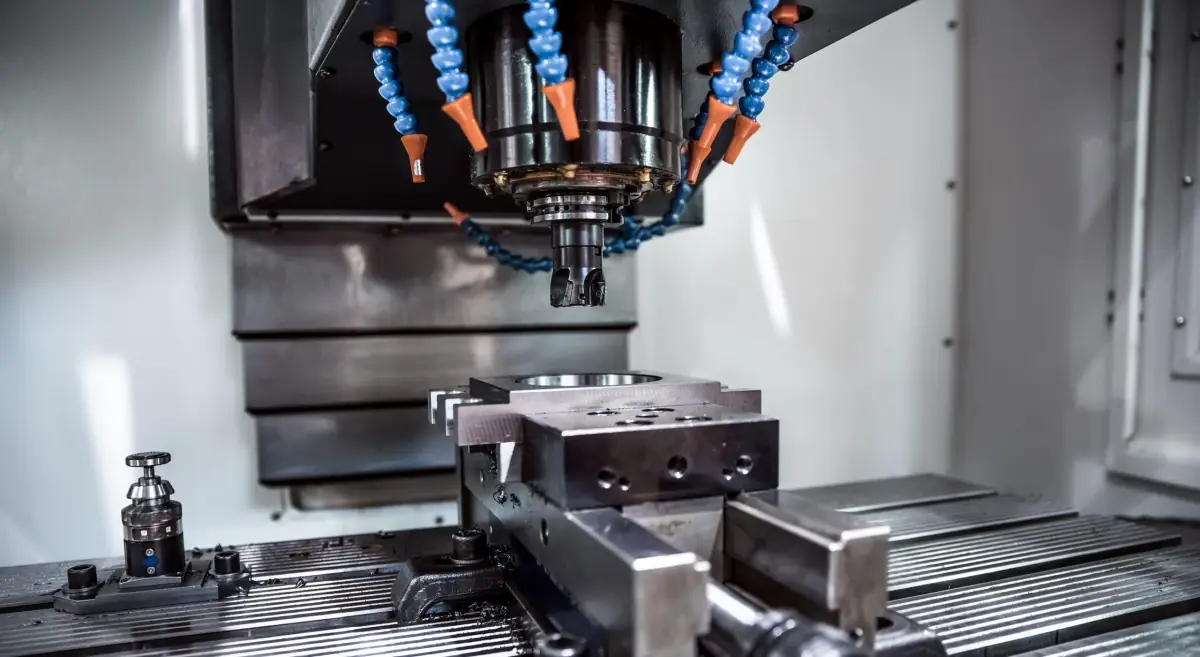
- Define the stock and setup. The starting block, with stock allowance, and the vises or fixture that hold it. Anything the setup covers cannot be machined in that setup.
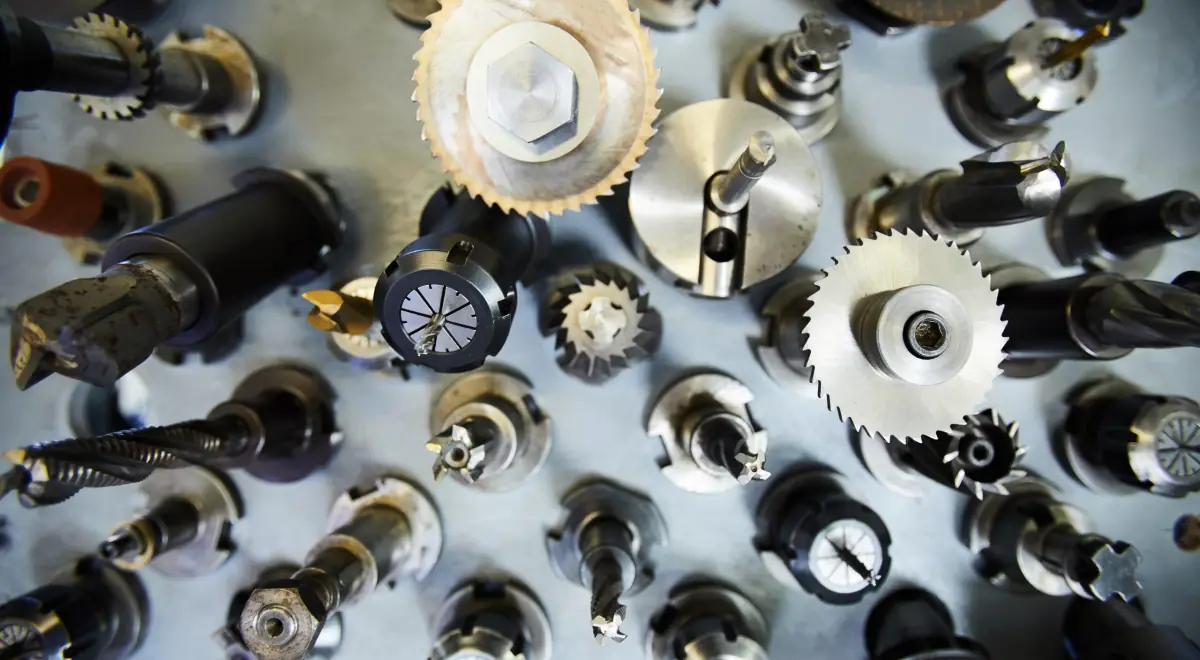
- Select tools. End mills, drills, taps and their cutting parameters according to the material; the catalog is explained in different machining tools.
- Create operations. Roughing to remove volume, semi-finishing, finishing walls and bottoms, drilling, threading, chamfers. Each with its strategy.
- Simulate. CAM shows the material remaining after each operation and detects collisions between tool, tool holder, part and workholding.
- Postprocess. A specific translator for each machine converts the toolpaths into the G code dialect of that control.
- Document. Setup sheet with tools, zero point and workholding for the operator.
Machining strategies: what each one does
| Strategy | What it does | When it is used |
|---|---|---|
| Adaptive roughing (trochoidal) | The end mill advances with narrow passes and the full length of the cutting edge, at high speed | Almost always in the first roughing pass: removes a lot of material without overloading the tool |
| 2D Contouring | Follows the part profile at a depth | Vertical walls, external profiles |
| Pocketing | Carve a cavity layer by layer | Pockets and housings |
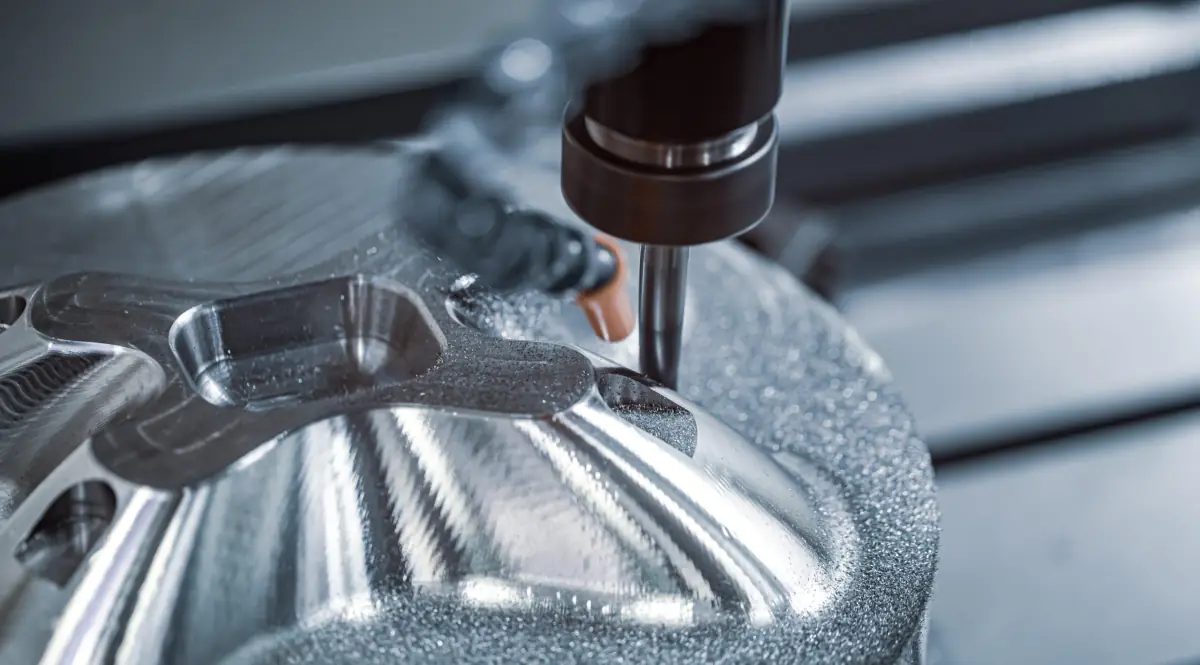
| 3D finish with ball-end mill | Traverse curved surfaces with parallel passes or following the contour | Molds, free-form surfaces, bottom radii |
| Drilling cycles | Drill with retract movements to evacuate chips | Any hole; deep holes, with pecking cycle |
| Threading by interpolation | A threading mill generates the helical thread | Large threads or hard materials |
| 3+2 positional | Orient the part with the rotation axes and machine on 3 axes | Parts with multiple faces in a single setup |
| 5-axis simultaneous | Move the five axes simultaneously | Impellers, blades, complex surfaces |
The choice of strategy changes cycle time as much as the machine: a well-parameterized adaptive roughing can remove the same aluminum in half the time as conventional pocketing, with less tool wear.
How does CAM influence the price and quality of your part?
- Programming time. It is fixed per order: it weighs in for one unit and disappears by the twentieth. A geometry with hundreds of small faces or an STL instead of a STEP multiplies that time.
- Cycle time. Strategies, feeds, and operation order decide how long each part takes in the machine. This is where the programmer's experience shows in the price.
- Surface finish. The lateral step in 3D printing and the tool entry and exit on the walls mark the final roughness.
- Precision. Simulation and tool compensation avoid collisions and keep dimensions; in a run, the same program gives unit 20 exactly the same as unit 1.
- Safety. A simulated program does not break tools or parts, and that is also a cost that is not passed on.
Many of the design decisions that reduce part cost are actually decisions that simplify CAM: fewer tools, fewer setups, fewer operations. They are gathered in how to optimize CNC machining and reduce costs.
What the CAM programmer needs from you
- A STEP per part, exported from native CAD. An STL is a mesh of triangles: it serves for 3D printing, not for machining, because CAM does not recognize faces, cylinders, or radii.
- A PDF with threads and tolerances. The STEP does not say if a 5 mm hole is an M6 or a 5 H7 through-hole. Without the drawing, the part is machined as the model states.
- The good side, if there is one: the programmer will orient the part so that side comes out with the best finish.
- Material and quantity: they change cutting parameters and clamping strategy.
- Correct units and scale. A STEP in inches is detected, but it costs a consultation.
CAM, 5-axis, and automation
In 5-axis, CAM does even more: it calculates tool orientation at every point, avoids head collisions with the part, and decides when to compensate 3+2 versus simultaneous, as we explain in 5-axis CNC machining. And it is also the basis of shop automation: verified programs, measured tools, and repeatable tooling is what allows a robot to load parts at night, a topic covered in robotics in CNC machine care.
How your part is programmed at Proto&Go!
When you upload the file, an engineer reviews manufacturability: radii, walls, threads, tolerances, material. With the quote accepted, the part is programmed in CAM, simulated, and sent to the machine with its preparation sheet; every dimension with tolerance is verified before shipping. The quote arrives in 24 hours and parts are ready from 8 working days. The design rules for machining summarize what makes that process fast.
Frequently asked questions about CAM software
What is the difference between CAD, CAM, and CNC?
CAD is the software used to design the part in 3D. CAM converts that design into toolpaths and G-code. CNC is the machine's numerical control, which executes that code and moves the axes.
Do I need to send the CAM program with my part?
No. Only the 3D model in STEP is required, and if there are threads or tolerances, a PDF. The workshop programmer creates the CAM for their machine and tools; a program made externally is almost never valid as-is.
Why is an STL file not suitable for machining?
An STL is a mesh of triangles without face, cylinder, or radius information. The CAM needs that geometry to calculate precise toolpaths. Export a STEP from your CAD; the STL is reserved for 3D printing.
What is the G-code?
It is the language understood by the machine controller: a list of lines with movements (G0, G1, G2…), speeds, tool changes, and auxiliary functions. It is generated by the CAM through a postprocessor adapted to each machine.